Is Mobile Hotspot Safe? Tips to Protect Your Data
You are traveling, sitting in a waiting room, or working from a café. There is no Wi-Fi, but you need to get your laptop or tablet online. So you turn your phone into a hotspot.
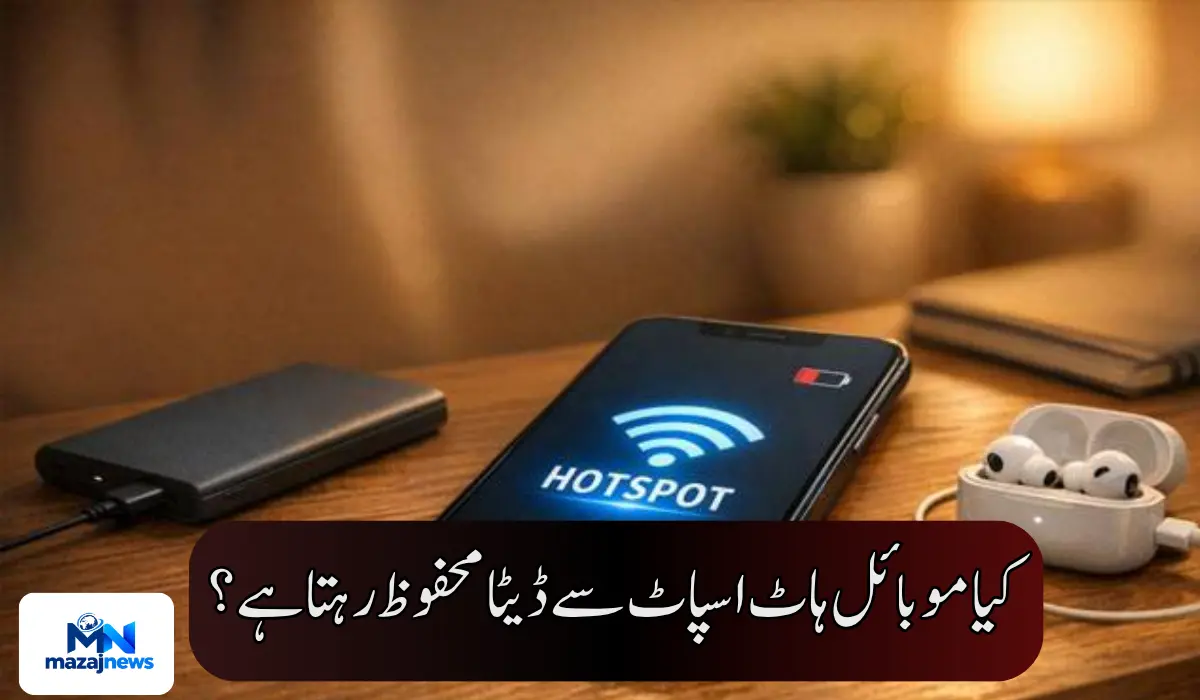
It is convenient. But is it safe? Short answer: yes, it is generally safer than public Wi-Fi, as long as you set it up properly.
How a Mobile Hotspot Works
A mobile hotspot uses your phone’s 4G or 5G connection. Your phone then acts like a small router. Other devices, such as a laptop or tablet, connect to it wirelessly and use your mobile data.
All you need is a working mobile data connection.
Why Hotspot Is Safer Than Public Wi-Fi
On public Wi-Fi, you share the network with strangers. You do not control who else is connected. Your data can reach hackers if the network is unsecured.
With a mobile hotspot, the control is in your hands. You decide who connects, what the password is, and when the hotspot is on. That single difference makes it a better choice for most people.

When a Hotspot Becomes Risky
The risk begins when the Wi-Fi password is weak. A simple password like “12345678” or your phone number can be guessed easily. Someone nearby could join your network and try to access your data.
The Password Setting You Should Never Turn Off
iPhones generally require a password before any device can use the hotspot. This makes them harder to misuse.
On many Android phones, you can disable the hotspot password to make connecting faster. This is tempting, especially when family members keep asking to join.
Do not do this. Without a password, you lose control over who connects. Anyone within range could join your hotspot, and hackers can reach your data much more easily.
What Is WPA and Why Does It Matter?
Hotspots use a security protocol called WPA. It encrypts the data moving between your phone and the connected device. It also helps keep the connected devices protected.
Always keep your hotspot security set to WPA2 or WPA3 if your phone offers those choices. Avoid any “open” or “none” option.
Simple Steps to Keep Your Hotspot Safe
- Set a strong password. Use a mix of letters, numbers, and symbols, at least 12 characters long.
- Change the default network name. Avoid names that reveal your identity or phone model.
- Keep the password on. Never disable it just for convenience.
- Turn it off when done. A hotspot that stays on is a hotspot that can be targeted.
- Check connected devices. Most phones show who is connected. Remove anything you do not recognize.
- Update your phone. Software updates fix security weaknesses.
Do Not Forget Your Data and Battery
Safety is not the only concern. A hotspot uses a lot of mobile data and drains your battery quickly. A laptop can burn through a data package much faster than a phone. Keep an eye on your data usage, especially if you are on a limited plan.
The Bottom Line
A mobile hotspot is a safe and practical option when Wi-Fi is not available. It is better than most public networks. But it is only as safe as your settings.
A strong password, the right security protocol, and turning it off when you are done will protect you in nearly every situation.