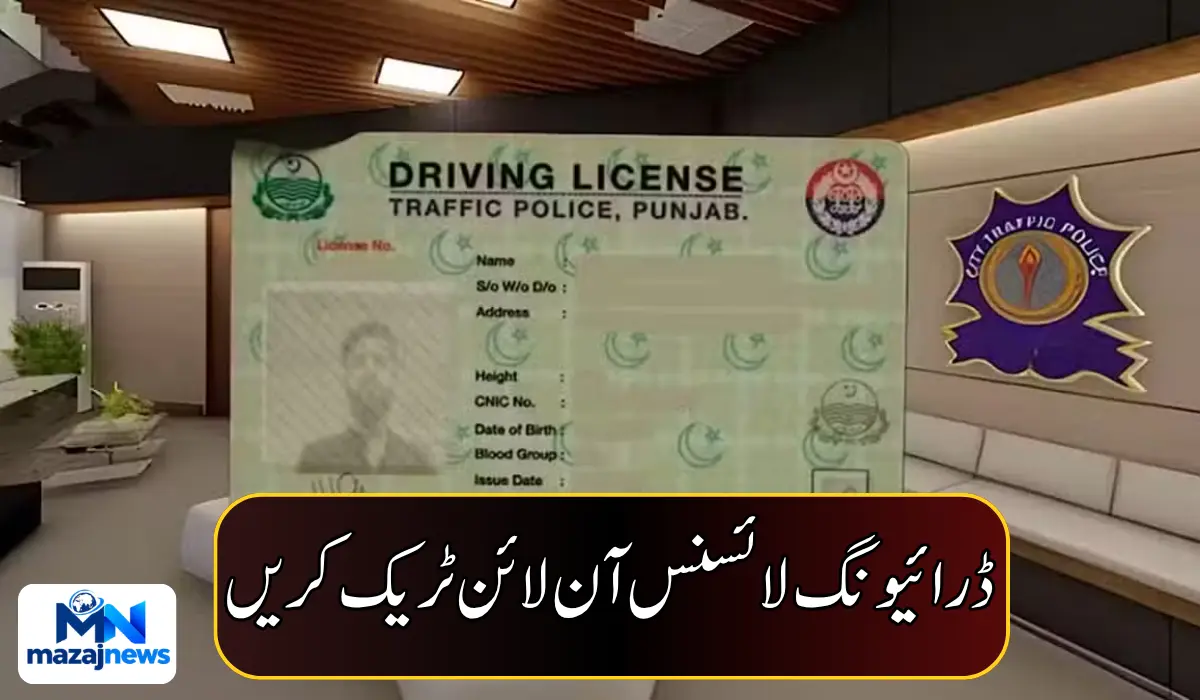
How to Track Your Driving License Online in Punjab
Applied for a driving license in Punjab and wondering where it is? You do not need to visit a licensing office just to ask. Residents across Punjab can track their application online through the Driving License Information Management System (DLIMS), from home, using only their CNIC number.
Here is the simple process, and what the status messages mean.
What You Need Before You Start
- Your 13-digit CNIC number
- A phone or computer with internet access
That is all. No fee or office visit is mentioned for the tracking facility.
How to Track Your Driving License Online: 5 Steps
- Search for DLIMS Tracking. Open Google and search for “DLIMS Tracking.”
- Open the tracking application. Click on the DLIMS tracking application.
- Enter your CNIC number. Type your 13-digit CNIC in the required field.
- Complete the CAPTCHA. Enter the answer to the verification question shown on the page.
- Click “Track License.” Submit the information to see your license status.
How to Check Your License Printing Status
After you submit your details, the tracking page will show the available status of your driving license.
- “Your regular license is in printing queue”: your license is waiting in the printing queue. It has not been printed yet.
- Printed and dispatched: if your license has been printed and sent, the page shows tracking information for delivery.
- Pakistan Post tracking number: where a tracking number is available, you can use it on the postal service’s website to follow your shipment.

Why This Is Useful
The online facility allows applicants across Punjab to check their license status without visiting a licensing office just to inquire. That saves travel, time and the stress of waiting in line for a simple update.
Tips for Applicants
- Double-check your CNIC. One wrong digit will give you no result or the wrong record.
- Be careful about the website you use. Make sure you open the real DLIMS tracking application, and never enter personal details on a page that looks suspicious or asks for payment.
- Keep your CNIC private. Only enter it on the official tracking page.
- Check again after a few days. If your license is in the printing queue, the status may change once it is printed and dispatched.
- Save your Pakistan Post tracking number. Once your license is on its way, it helps you follow delivery.
- Make sure someone is home to receive it. Delivery by post usually needs a person at the address.
What We Don’t Know Yet
The information available does not say how long printing usually takes, whether any fee applies, or what other status messages may appear. For anything beyond the printing queue, contact your licensing office.
Quick Summary
- Punjab residents can track a driving license online through DLIMS
- You only need your 13-digit CNIC and a CAPTCHA answer
- “Your regular license is in printing queue” means it is waiting to be printed
- Once dispatched, you can use a Pakistan Post tracking number where available
- No need to visit a licensing office just to check status