
How to Change Your CNIC Photo and Permanent Address Online
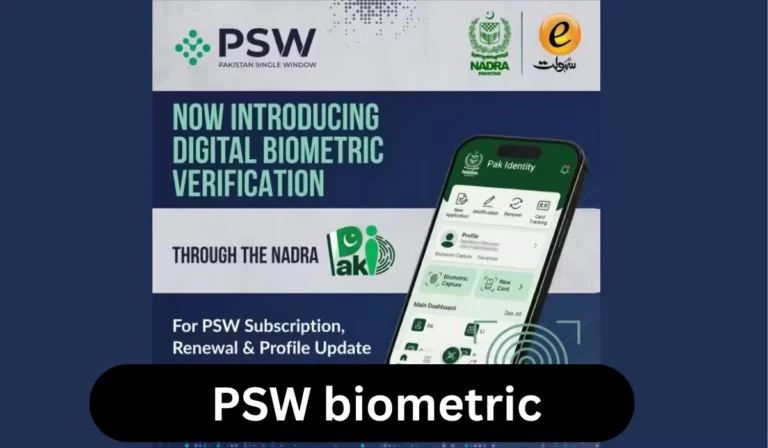
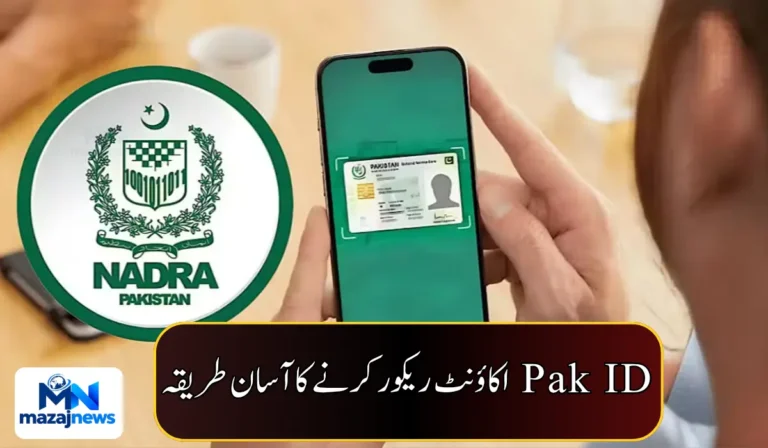
NADRA has explained how citizens can change the photograph and permanent address on their Computerized National Identity Card (CNIC) using the PakID mobile app. Applications can be submitted from home, so you do not need to visit a NADRA registration center just to submit your request.
What Can You Update Online?
According to NADRA, the PakID app allows citizens to request changes to:
- The photograph on their CNIC
- Their permanent address
Who Can Apply?
There are two options in the app:
- Myself: apply for your own CNIC update.
- My Blood Relatives: submit an application for an eligible blood relative.
Step-by-Step: How to Change Your CNIC Photo or Address
- Open the PakID app and log in.
- On the home screen, select “Identity Card.”
- Choose “Myself” to update your own card, or “My Blood Relatives” to apply for an eligible relative.
- Select “Update Card.”
- Edit the information you want to change, such as your photo or permanent address.
- Complete the application through the app.
Why This Is Useful
The online facility saves time and effort. You can request changes from home instead of going to a registration center to submit the application. This is especially useful for people who live far from a NADRA center or have difficulty traveling.

What Is Not Mentioned?
NADRA’s statement does not say the following, so check the app or NADRA’s official channels before applying:
- Any fee for the update
- Documents you may need to upload
- How long processing will take
- Whether a visit to a center is still needed for biometrics or card collection
Tips Before You Apply
- Update the PakID app to the latest version before you start.
- Keep your CNIC details and any supporting documents handy.
- Use a clear, recent photograph if you are changing your picture.
- Double-check the address you enter, since errors can delay processing.